Custom software and platforms for property developers
We have our own CRM for new developments, adapted to your process, and we build whatever else is missing around it so your systems stop working in isolation.
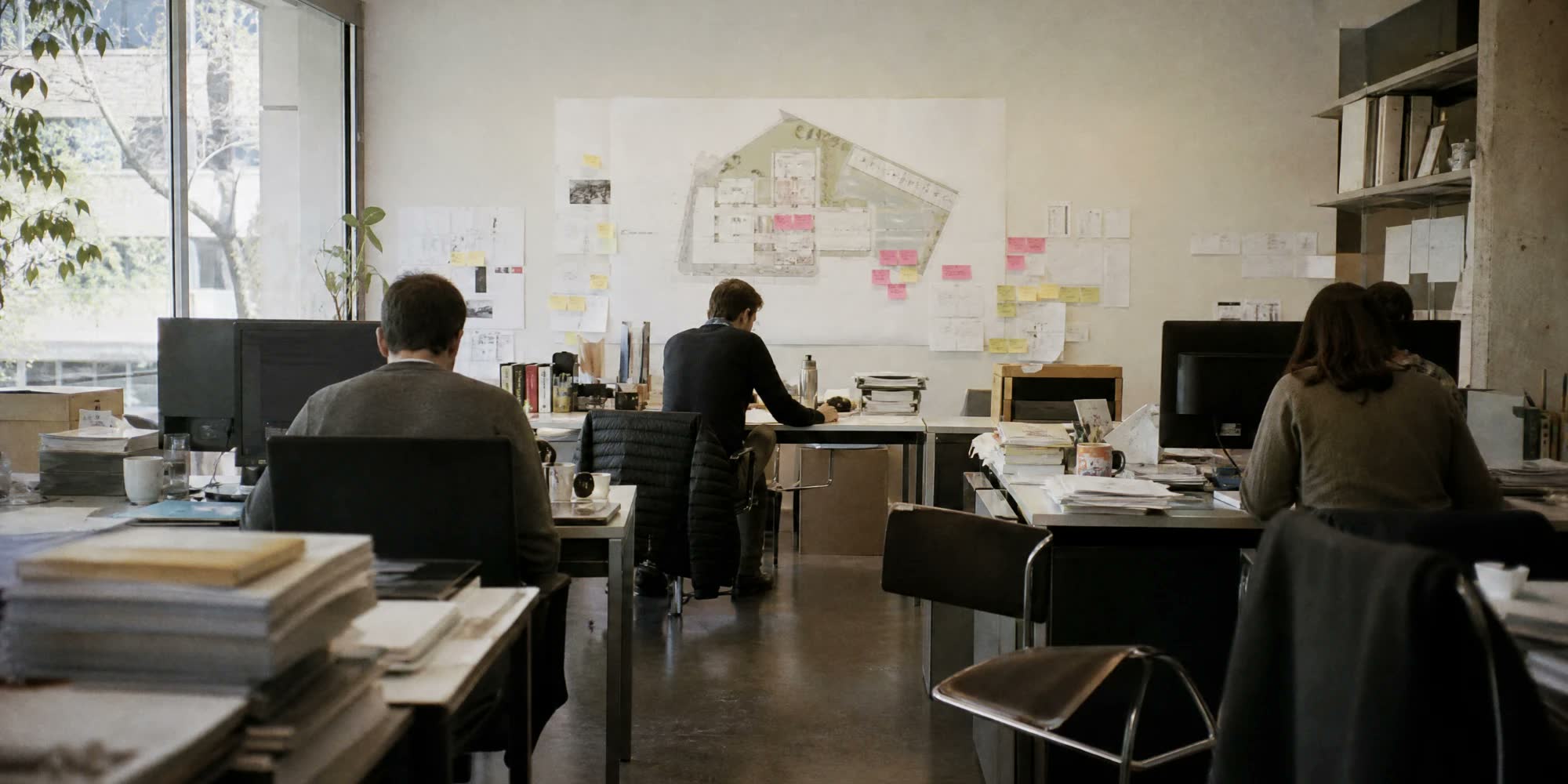
The kinds of platforms we build
New-build CRM
Ours, adapted: units, statuses and reservations at the core, rather than a contact list.
Sales and after-sales
Buyer, agent and developer in one flow, from reservation to handover.
ERP and integration layer
Administration, sales and construction working from the same data, with no double entry.
Internal knowledge
Portals with semantic search over the company's documents.
Field apps
Site inspection and tracking, offline, with automatic reports.
Showroom tools
Sales material and 3D experiences to help close deals in the sales office.
Our own CRM, adapted rather than configured
Most CRMs on the market were built to sell finished products, with new-build features bolted on later. Ours starts where a development starts: units, unit types, statuses and reservations, with the sales team working on the development rather than on a loose list of contacts.
Because it's ours, what would be a limitation in another product is a decision here. If a developer needs a different reservation flow, a dashboard their management understands or a field that no standard product has, we build it. It doesn't get patched with a workaround around the software.

- Unit catalogue with statuses, prices and reservations at the core of the system
- Qualification and prioritisation of contacts coming in from the website, portals and campaigns
- Alerts to salespeople on the channel they already use, without making them live inside the CRM
- Development dashboard: sales pace, stalled units and forecast
- Connection to the interactive 3D model, so reserved units stop showing as available
Connecting what's already there
Changing tools isn't always necessary. A developer typically runs a CRM, an ERP or accounting package, a document management system and several spreadsheets holding up processes nobody has ever formalised. Buyer data lives in three places, in three versions, and nobody knows which one is right.
Before connecting anything, we map how the data actually moves: where each record is created, who touches it, how many times it gets rewritten and where it breaks. That map almost always shows the problem wasn't where everyone thought. Then we integrate first the stretch that removes the most manual work with the least risk. A big-bang integration of everything at once is the most reliable way to bring a company to a standstill for two weeks.
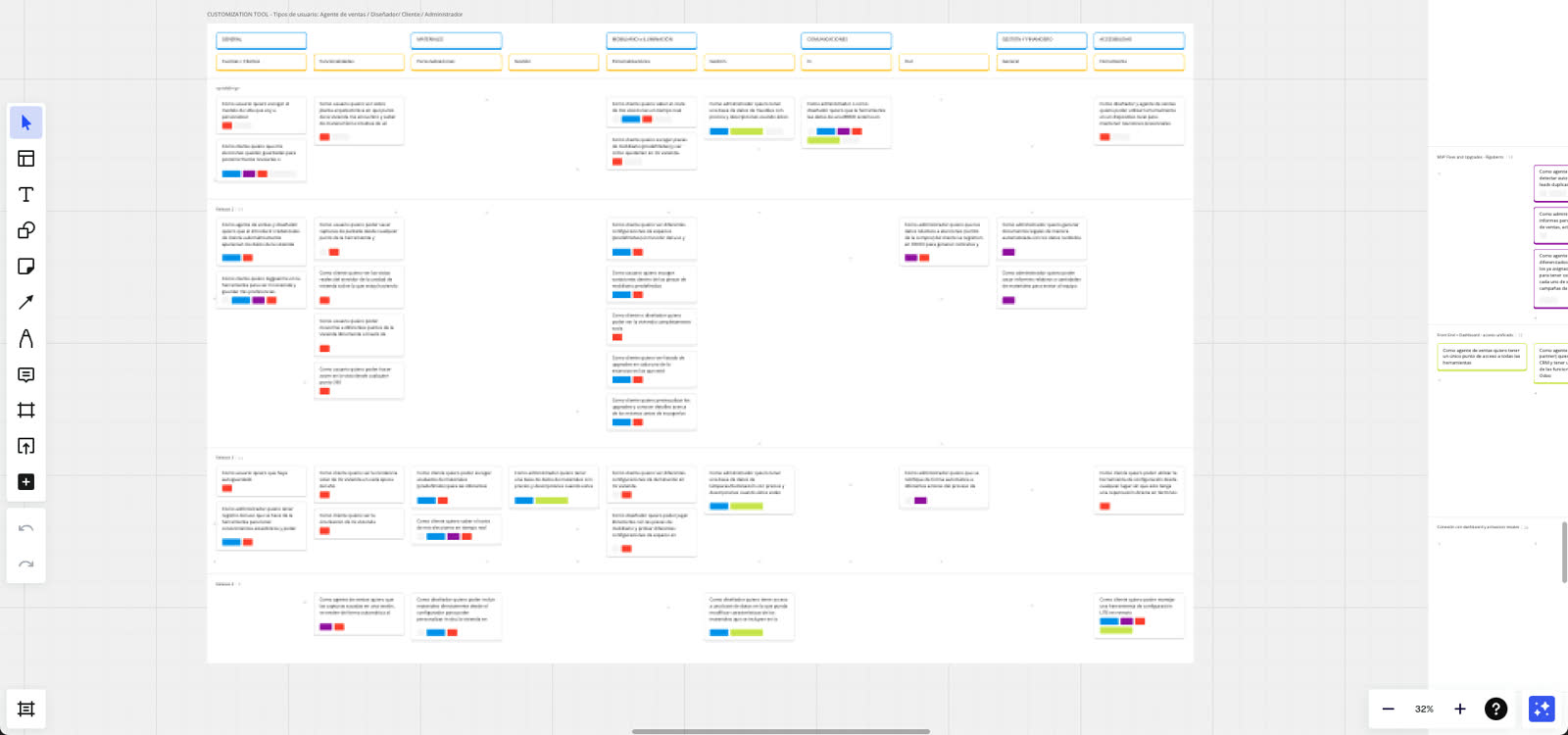
- CRM with ERP and accounting, so sales and administration share the same status
- Property portals and website with the CRM, so no contact gets stuck in an inbox
- Document management with everything else, with automatic classification of incoming files
- Error handling, retries and alerts when an integration gets stuck
We start with an MVP, not the full platform
Custom development nearly always goes wrong for the same reason: it gets fully specified before anyone has used it. We start with the piece that solves the most expensive problem and get it into the team's hands as soon as possible.
That first deliverable already works and is in production; it isn't a mock-up. From there, each iteration is decided with real use in front of us. It's slower to sell and much faster to pay for itself.
Stack and code ownership
We use standard, maintainable technology (Next.js and React on the front end, Node.js and PostgreSQL on the back end, integrations via REST APIs and automation layers) precisely so the project doesn't depend on us for life. The code and infrastructure belong to the client, with documentation and a handover to the in-house team where there is one.
How it fits with what you have
Nothing gets replaced wholesale. We map how the data actually moves, build the missing piece and connect it to what already works.
What you already have
The process done by hand
Spreadsheets and steps nobody has formalised
The systems in use
CRM, ERP, accounting and document management
The development's catalogue
Units, unit types, prices and statuses
What we build
One set of data, one layer
Our CRM adapted to you, or the integration on top of what's already there
What each team uses
Sales
Catalogue, reservations and alerts, without leaving their workflow
Administration and construction
The same status, without typing it in again
Management
Sales pace and forecast, without asking for reports
And gives back
Traceability. What was changed, when and by whom, with an alert to the person responsible when an integration gets stuck instead of failing silently.
How we quote
In phases. The first covers the functional specification and the MVP of the main use case, which goes straight into production. The following phases are decided with real use in front of us, not from a specification written before anyone has touched it.
What we need from you
- 01The process that currently runs on spreadsheets or by hand
- 02Access to the systems it has to talk to: CRM, ERP, document management
- 03An internal lead who makes the product decisions
- 04The team's time to use the MVP as soon as it's in production
The code, infrastructure and documentation belong to the client from the first deliverable.
What you get
- 01Functional specification and technical architecture
- 02Our own CRM adapted to the company's process, when that's the missing piece
- 03MVP in production with the main use case solved
- 04Data flow map and integrations with existing systems
- 05Code, infrastructure and documentation owned by the client
Projects where we've done it
Frequently asked questions
Why build custom software instead of buying an off-the-shelf solution?
In many cases you don't need to: if a standard tool covers the process, the sensible thing is to use it. Custom development is justified when the process is a competitive advantage for the company, when no tool covers the link between two worlds (sales and construction, for example) or when the cost of adapting the team to a rigid product is higher than building one that fits.
How long until something is up and running?
The aim is always to have a first deliverable in production and in the team's hands as soon as possible, rather than a complete specification before any code is written. That first MVP covers a real use case; the full platform is built afterwards, with real use as the yardstick.
Who owns the code?
The client. We use standard technology and hand over the code, infrastructure and documentation, precisely so the project can carry on without us. We don't create artificial dependencies.
Do we have to change our CRM or ERP?
Not as a starting point. Most systems on the market have a good enough API to integrate with, and if yours covers the process, the sensible move is to connect it and leave it alone. We propose ours when the current CRM is exactly what's holding back new-build sales, and that conclusion comes from the data map, not from a preference.
What happens if an integration fails in production?
We design them on the assumption that they will fail at some point. They include error handling, retries and an alert to the person responsible when something gets stuck. A silent integration that breaks without anyone noticing is worse than having none.
Do you handle maintenance afterwards?
We can, but it isn't compulsory. Some clients prefer to hand over to their in-house team after go-live; others keep developing it with us. The decision doesn't affect how the project is built.
Does it make sense for your development?
Tell us how many units and types it has and what material you already have. We'll tell you whether it's worth it before we quote anything.